
Discord QR Code Login Scams: Check Your Devices and Log Out Strangers
Imagine a friend's account sends you an image with a message like "scan this to verify your account" or "scan to claim your reward." It looks harmless, since it is only a square of black and white dots. But on Discord, that square can be a login key, and the person who gave it to you may be the one waiting on the other side.
How the QR code trick works
Discord lets you log in on a computer by scanning a QR code with the Discord mobile app. It is a handy feature when you are signed in on your phone and want to get into your account on a new device without typing your password.
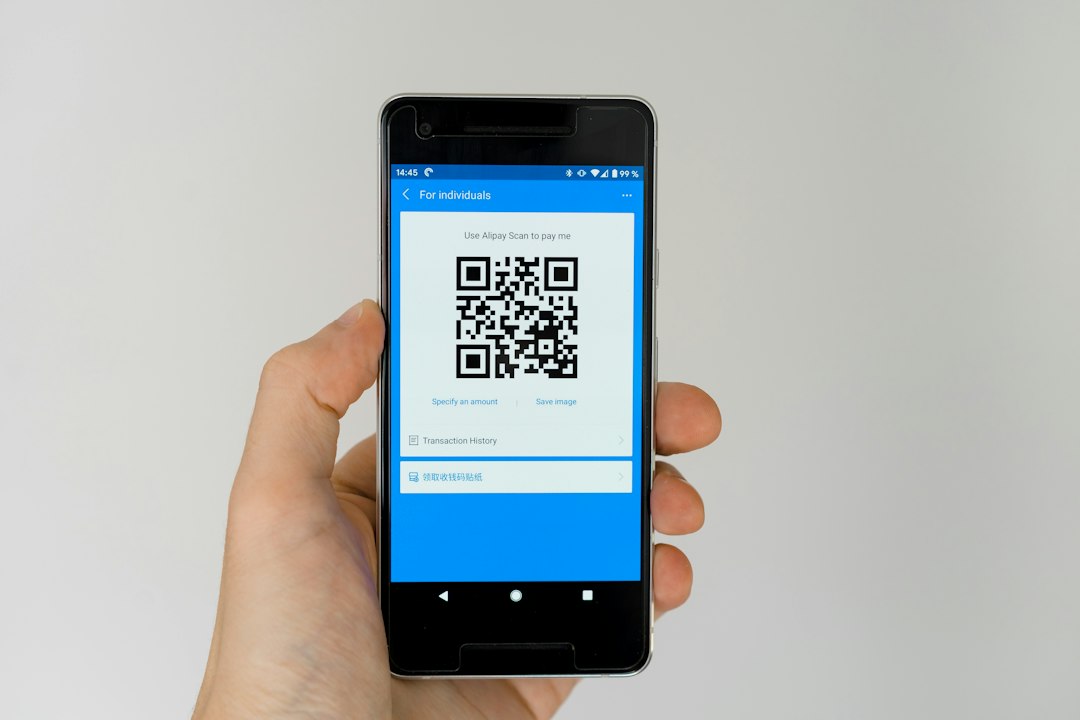
The scam turns that convenience around. The scammer opens Discord's login screen on their own device, which shows a QR code. They send that code to you, often as a screenshot, and pretend it is a verification step, a giveaway or a "human check." If you scan it with your own app and approve the login, you have just let them into your account.
Because you approved it yourself, it can feel confusing afterwards. That is why it works. The scammer never needs your password.
The golden rule
Only scan a QR code that you generated yourself, on your own screen, for a login you started. If anyone sends you a Discord QR code, treat it as a trap, even if it comes from a friend. Friends' accounts get hijacked too, and a hijacked account is often how these scams spread.
When your app asks whether you want to log in on another device, stop and ask yourself: "Did I just open Discord on a new screen?" If the answer is no, tap cancel.
Check your Devices list
Discord keeps a list of the devices where your account is logged in. It is one of the best quick checks you can do.
- Open User Settings (the cog icon next to your name).
- Find the Devices section.
- Look through the list. You should recognise each device and roughly where and when it was used.
- If something looks unfamiliar, log that device out.
Locations shown can be approximate, so do not panic if a city is slightly off. Focus on the device type and whether you have ever used it. If you see a device you have never touched, act straight away.
If you scanned a code by mistake
Do not wait to see if anything happens. Work through these steps in order:
- Log out unknown devices from the Devices list.
- Change your password to a new, long and unique one. Changing it normally signs out other sessions, which cuts off the intruder.
- Turn on two-factor authentication if you have not already, so a stolen login is harder to reuse.
- Check Authorized Apps and remove anything you do not recognise.
- Warn your friends that your account may have sent messages you did not write, and tell them not to click or scan anything from it.
If you cannot get back into your account, use Discord's official help pages to recover it, and never pay anyone who offers to "get it back" for you. That is another common scam.
Spot the warning signs
- A message that creates urgency: "scan now or lose your account."
- A promise of free Nitro, skins, in-game items or a prize.
- A request to "verify" yourself outside Discord's normal settings.
- A friend who suddenly writes in a strange way or sends the same message to many people.
- Any QR code you did not create yourself.
Report and block
If someone sends you a suspicious code, do not reply or argue. Right-click the message on desktop, or press and hold it on mobile, and choose Report Message. Then block the account. If it was a friend you know in real life, contact them another way, such as in person or by text, to tell them they have probably been hacked.
You can also read Discord's own guidance in its Safety Center, which explains reporting, account security and how the platform handles scams.
Make it a habit
Good security is mostly small routines. Once a month, open your Devices list, remove anything old, and make sure two-factor authentication is still on. Share the QR code rule with your friends and server mates too. The more people who know that a login QR code is private, the fewer accounts scammers can take over.
Remember the simple version: if you did not start the login, do not scan the code.