
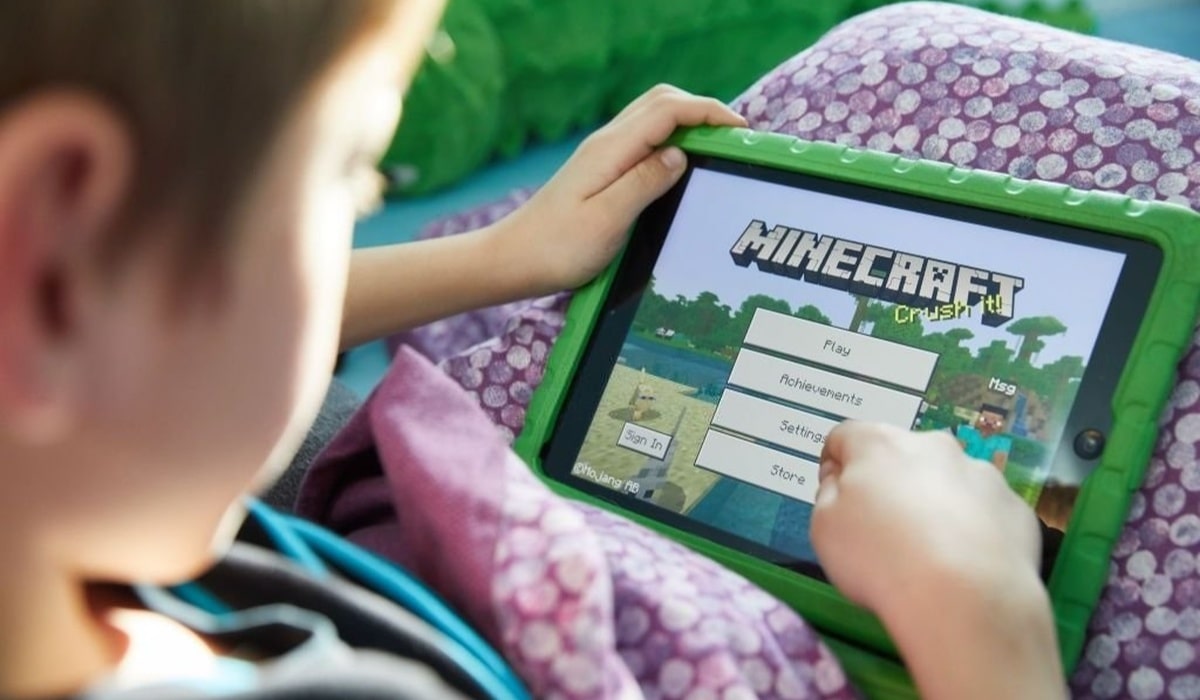
Fake Minecraft Texts: Spot Phishing Together and Check Your Microsoft Account
You get a text: "Your Minecraft account will be deleted in 24 hours. Verify now." It has a link, a deadline and a slightly scary tone. If you play Minecraft, a message like this can feel urgent. That feeling is exactly what scammers are counting on.
Minecraft accounts are tied to a Microsoft account, which can also cover Xbox, Outlook and other services. If a criminal steals your login, they may get more than your blocks and skins. This guide shows how to spot phishing messages and how to use your Microsoft account's own tools to check that everything is fine.
What phishing looks like for Minecraft players
Phishing means tricking you into giving away a password, a code or payment details. Messages can arrive by text, email, Discord, in-game chat or a comment under a video. Common stories include:
- "Your account has been reported and will be banned unless you log in here."
- "Claim free Minecoins" or a free rank, skin or cape.
- "A server owner wants to hire you as a moderator. Download this file."
- "Microsoft security alert: someone logged in from another country."
Spot the red flags together
It helps to check suspicious messages with a parent, guardian, older sibling or friend. A second pair of eyes is often enough to see what you missed. Look for these signs:
- Pressure: Countdown timers and threats of deletion are designed to stop you thinking.
- Too good to be true: Free currency or rare items from a stranger is a classic bait.
- Odd links: Look for misspellings, extra words or strange endings in the web address. Shortened links hide where they lead.
- Requests for secrets: A real company will not ask you to send your password or a verification code in a message.
- Unexpected downloads: Be careful with files that promise mods, hacks or "cheat clients" from unknown sources.
Check your account the safe way
If a message worries you, do not tap anything in it. Open your browser yourself and go to your Microsoft account security page (account.microsoft.com/security), or open the official Minecraft or Xbox app. Then:
- Look at recent activity. Microsoft lets you review recent sign-in attempts. If you see a location, device or time that you do not recognise, treat it as a warning.
- Change your password. If anything looks wrong, choose a long, unique password that you do not use anywhere else. A password manager can create and store it for you.
- Review your security info. Make sure the email address and phone number listed are yours, and remove any you do not recognise.
- Turn on two-step verification. With it on, a stolen password alone is not enough to get in. You can use an authenticator app, which is generally a stronger choice than text codes.
If you already clicked
Do not panic or hide it. Mistakes happen to confident, tech-savvy people too. Act quickly:
- Tell a trusted adult right away.
- Change your Microsoft account password from a device you trust.
- If you used the same password anywhere else, change it there too.
- Check recent activity and your security info for anything unfamiliar.
- If you entered payment details, the adult in charge of the card should contact the bank or card provider.
Build habits that protect you
- Never share your password, even with a friend or someone claiming to be staff.
- Use a different password for every account.
- Download mods and add-ons only from sources you trust, and ask an adult if unsure.
- Report suspicious players or messages using the reporting tools in the game or platform, and block the sender.
- Agree a family rule: if a message makes you feel rushed or scared, you pause and show someone first.
The takeaway
Scammers rely on speed and secrecy. You can beat both. Slow down, talk it through, and verify things by going directly to your official account page instead of using links in messages. A few minutes of checking can keep your worlds, your purchases and your personal information safe.