
SIM Swap Scams: How Hackers Hijack a Phone Number and How Teens Can Stop It
Your phone number does more than let people call you. For many apps it works like a spare key. Social media, gaming platforms, email and payment apps often send a login or reset code by text message. If someone else controls your number, they can receive those codes instead of you. That is the idea behind a SIM swap scam.
What is a SIM swap?
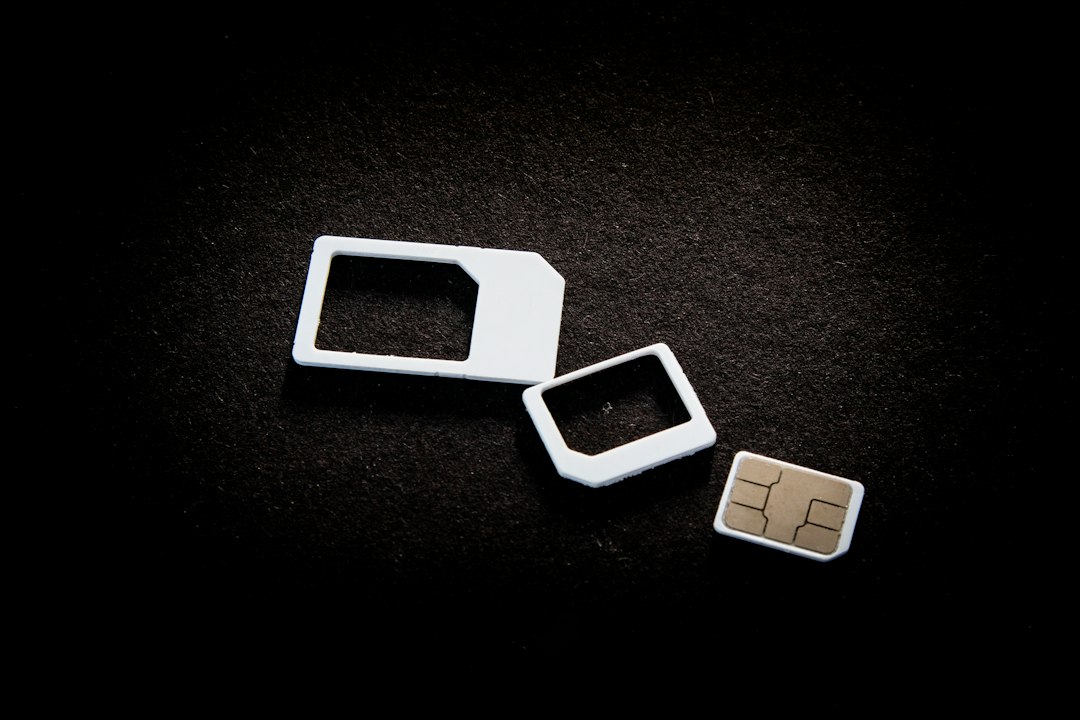
Your phone number is linked to a SIM or eSIM, which your mobile carrier manages. In a SIM swap, a criminal convinces the carrier, or someone working for it, to move your number to a SIM card or device they control. Once that happens, your phone loses service and the attacker starts receiving your calls and texts.
The attacker usually does not need to be a technical genius. They rely on social engineering: collecting personal details and pretending to be you. Information such as your full name, birthday, address or email may come from old data leaks, public social media profiles, or messages where someone tricked you into sharing it.
Why teens can be targets
Young people often have valuable accounts: gaming profiles with paid items, popular social media handles, or accounts linked to a parent's payment method. Teens also tend to share a lot online and to reuse one phone number across many services. That makes it easier for a scammer to gather details and cause real damage once they hold the number.
Warning signs to notice
- Sudden loss of signal for no clear reason, especially when other people nearby still have service.
- Unexpected messages from your carrier about a SIM change, a new device or a number transfer you did not request.
- Login codes you never asked for, or password reset emails arriving out of the blue.
- Being logged out of accounts, or friends saying they are getting strange messages from you.
- Odd calls or texts asking you to confirm personal details or "verify" a SIM change.
One missing signal bar is not proof of an attack, since networks fail for ordinary reasons. But if it happens together with account alerts, act quickly.
How to make a SIM swap much harder
- Add a PIN or passcode to your mobile account. Ask your carrier, with a parent or guardian if the account is theirs, what extra security options exist, such as an account PIN or a lock against transferring your number.
- Move away from text-message codes where you can. Authenticator apps and passkeys are not tied to your phone number the way SMS codes are. Our guide to two-factor authentication explains how to set them up.
- Protect your email first. Most accounts can be reset through email, so give it a long, unique password and strong two-factor protection.
- Share your number sparingly. Do not put it on public profiles, game bios or forms you do not trust.
- Keep personal details private. Birthday, address and school name help scammers pass as you, so limit what strangers can see.
- Never share verification codes. No real support agent needs a code sent to your phone. Anyone asking for one is almost certainly attempting a takeover.
What to do if you think your number was taken
- Tell a parent or trusted adult straight away, so you do not have to handle it alone.
- Contact your carrier from another phone or in person, say you suspect a SIM swap, and ask them to restore your number and lock the account.
- Change passwords, starting with your email, then social, gaming and payment accounts. Use a different strong password for each.
- Switch off SMS codes where possible and replace them with an authenticator app or passkey.
- Check for damage: look at recent logins, linked devices, purchases and messages sent from your accounts.
- Report it to the platforms involved and to your local consumer protection or cybercrime reporting service.
Keep learning from trusted sources
For more detail, look at the consumer advice pages of your national authority. In the United States, the Federal Trade Commission publishes scam guidance at consumer.ftc.gov, and in the United Kingdom the National Cyber Security Centre shares practical advice at ncsc.gov.uk. Both also run official video channels on YouTube, where you can find short explainers on account security. We have not linked a single video or PDF here because we only recommend resources we have checked, so stick to official channels rather than random uploads.
The bottom line
A SIM swap shows why a phone number should not be your only line of defence. Add a carrier PIN, use stronger login methods than text codes, keep personal details private, and act fast if your signal disappears alongside suspicious alerts. A few minutes of setup now can save you from a very stressful clean-up later.
Comments (0)
You have to login to post a comment.
No comments yet. Be the first to comment!