
QR Code Scams: How Teens Can Scan Safely Without Getting Tricked
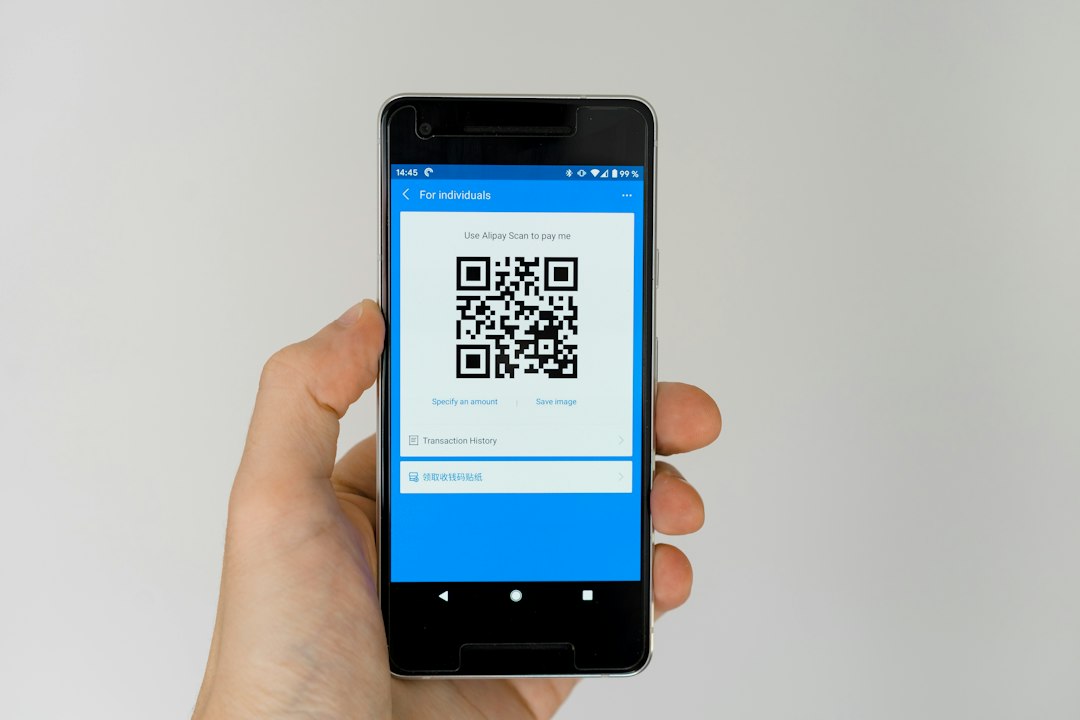
You scan them at cafés, on posters, in games, on school notices and even on parking signs. QR codes are handy because they save you typing. But a QR code is just a picture that hides information, usually a web address, and you can't read it with your eyes. That makes it a useful tool for scammers. The trick has a name: quishing, which is phishing carried out through a QR code.
How a QR code scam works
The code itself isn't dangerous. The risk is where it sends you. A scammer creates a code that leads to a fake login page, a fraudulent payment form or a download you didn't ask for. Then they get people to scan it. Common approaches include:
- Sticker swaps: a fake code is stuck over a real one on a poster, table card or sign.
- Messages and emails: a "delivery problem" or "account locked" note with a code to scan, so your phone's link-checking tools never see a clickable link.
- Social media giveaways: "scan to claim your free skin, gift card or concert ticket."
- Fake support or verification: a code that claims to "verify your account" for a game, app or school platform.
Once you land on the fake page, it may ask for your username, password, a verification code or payment details. Anything you type goes straight to the scammer.
Why teens are a good target
Scammers go where attention is. Teens use phones constantly, move quickly between apps, and often have accounts worth stealing, such as gaming, social and streaming accounts. A tempting offer plus a rushed scan is all it takes. Slowing down for a few seconds is your best defence.
Warning signs to look for
- Pressure or urgency: "Act now," "last chance," "your account will be deleted."
- Too good to be true: free currency, free devices or guaranteed prizes.
- A code in an odd place: a sticker that looks pasted on, or a code in a message from someone you don't know.
- A strange web address: misspelled brand names, extra words or unusual endings after you scan.
- Unexpected requests: a page that asks you to log in, enter a code or pay when you only expected information.
- Automatic downloads: if scanning triggers a file or app install, close it.
A safe scanning routine
- Ask yourself if you expected it. If a code arrives out of the blue, don't scan it.
- Preview the link. Most phone cameras show the web address before opening it. Read it carefully and don't tap if it looks off.
- Check the physical code. If it's a sticker on a sign or table, see whether it's covering another code.
- Never log in through a scanned page if you can avoid it. Open the official app or type the website address yourself.
- Don't install apps from a scanned code. Use your official app store.
- Turn on two-factor authentication on your important accounts, so a stolen password alone isn't enough.
What to do if you already scanned a suspicious code
Don't panic. Scanning on its own usually isn't the problem; entering information or installing something is. Here's what to do:
- Close the page and don't enter anything else.
- If you typed a password, change it right away on the real site and on any other account that uses the same one.
- If you shared payment details, tell a parent or guardian so they can contact the bank or card provider.
- If something was downloaded, delete it and ask a trusted adult to help run a security scan.
- Report the code or message to the platform where you saw it.
Telling an adult early is not admitting failure. It's the fastest way to limit the damage, and scammers rely on people feeling too embarrassed to speak up.
For parents and guardians
Talk about QR codes the way you'd talk about links: they're fine when you trust the source and risky when they appear from nowhere. Encourage your teen to show you anything that promises free items or asks for login details. Keeping calm and non-judgmental makes them more likely to come to you next time.
Where to learn more
Trusted organisations publish regularly updated advice, including guides and videos, on scams and online safety. Good starting points are the consumer protection pages at consumer.ftc.gov, the cybersecurity guidance at cisa.gov, and the awareness resources at staysafeonline.org. We link only to their main sites so you always find the latest versions, and we recommend checking each for official reports, PDFs and videos on scams.
The bottom line
A QR code is only a shortcut to a link, so treat it with the same caution as any link. Preview the address, be suspicious of pressure and free offers, and never hand over passwords through a page you reached by scanning. A few seconds of checking can protect your accounts and your money.
Comments (0)
You have to login to post a comment.
No comments yet. Be the first to comment!