
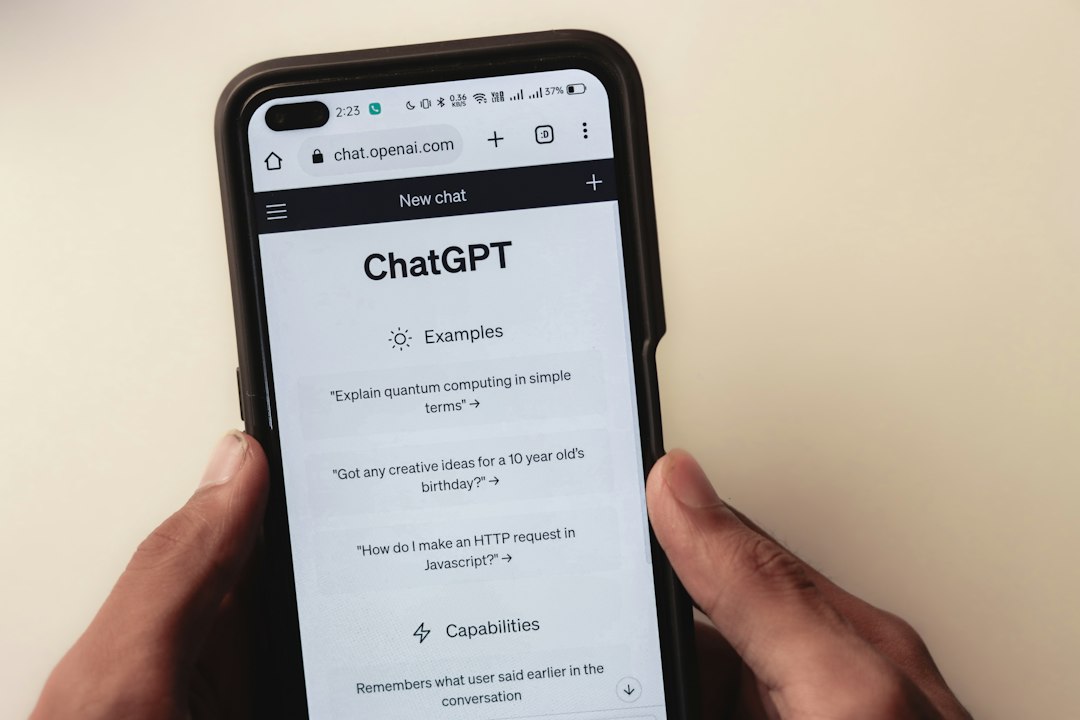
AI Chatbots and Privacy: What Teens Should Never Type In
Asking an AI chatbot for homework help, writing ideas or advice can feel like talking to a private diary. It isn't. Depending on the service and its settings, your conversations may be saved, reviewed by people, or used to improve the product. Treat every chat as something that could be seen later, and you'll make smarter choices.
Why chatbot privacy matters
A chatbot is an online service run by a company, and every service has its own rules about data. Those rules are usually in the privacy policy and settings, which most of us skip. Anything you type may also end up on a shared device, in a synced account, or in the hands of someone who gets into your login. If your account is hacked, your chat history could be exposed along with it.
The "postcard test"
Before you hit send, ask: would I be okay with this being written on a postcard? If the answer is no, don't type it. The test is quick, and it works on any app, chatbot or website.
What not to share
- Passwords, codes and recovery answers. No genuine service needs you to paste these into a chat.
- Your full name, home address, phone number or school name. Together, these details make you easy to identify and locate.
- Photos or documents such as ID, report cards, tickets or anything showing your face, uniform or location.
- Other people's secrets. Your friends' private messages, photos or problems aren't yours to hand over.
- Sensitive personal details about health, family conflicts or money. If you need support, a trusted adult, school counsellor or official helpline is a safer choice.
- Private school or work material you've been told to keep confidential.
Safer ways to use a chatbot
You can still get plenty of value from a chatbot without giving up personal information. Try these habits:
- Use general examples. Instead of "My friend Sam at Oakfield School is being mean", ask "How do I handle a friend who keeps being unkind?"
- Remove identifying details from any text you paste in, such as names, addresses and account numbers.
- Check the settings. Many services let you view, delete or limit your chat history, or opt out of some data uses. Look in the privacy or data controls section.
- Use a strong, unique password and two-factor authentication on the account so nobody else can read your history.
- Log out on shared devices, including school computers and family tablets.
- Check age rules. Services set their own minimum ages and parental consent rules, so read them or ask a parent or guardian.
Don't blindly trust the answers
Chatbots can sound confident and still be wrong. Never rely on one for medical, legal or safety decisions, and double-check facts before using them in schoolwork. Be careful with anything that tells you to click a link, install software or enter your login somewhere else. Scammers can use the same kind of tools to write convincing messages.
Watch out for fake chatbot apps
Whenever a new tool becomes popular, imitation apps and websites tend to follow. Some exist only to collect your details or show you ads. Before installing anything:
- Get it from the official app store or the company's real website, not from a link in a DM or video comment.
- Read reviews, but be suspicious of ones that all sound the same.
- Check which permissions it asks for. A chatbot rarely needs your contacts or constant location.
- Be wary of "free premium" offers that ask for payment details or a login for another account.
If you already overshared
Everyone makes mistakes, and you can limit the damage. Here's what to do:
- Stop and don't send more.
- Delete the conversation if the service allows it, and check whether there's an option to remove it from stored history.
- Change any password you shared, and switch on two-factor authentication.
- Tell a parent, guardian or other trusted adult if you shared sensitive details like your address, ID or photos.
- Report anything suspicious to the platform if someone is using your information.
Quick recap
AI tools can be helpful for learning and creativity, but they're still online services with their own data rules. Keep chats general, leave out personal details, review your settings, and protect your account. If you wouldn't put it on a postcard, don't put it in the chat.