
Discord Scam Alert: Fake Nitro, Fake Mods and Links That Steal Accounts
Discord is where many teens talk to friends, join gaming communities and share hobbies. Because it is so popular, scammers go where the crowd is. The tricks change often, but they usually follow the same patterns. Once you know the patterns, they are much easier to spot.
Why scammers love Discord
Scammers like chat platforms for three reasons. Messages feel personal, so people relax. Servers can contain thousands of strangers, so one fake message can reach many people quickly. And links shared in a friendly chat feel safer than a random email. Scammers rely on that feeling of trust.
The most common Discord tricks
- Fake Nitro gifts: A message says "Here's a free Nitro, claim it before it expires!" with a link. The link leads to a fake login page that steals your password or sends you to a harmful download.
- Hacked friend messages: A friend's account sends you a link, a "look at this video of you" message or a request to vote for them in a contest. The account may have been taken over, so the message is not really from your friend.
- Fake moderators or staff: Someone claims to be an admin and says your account will be banned unless you verify it. Real staff do not threaten you in private messages and ask for your password.
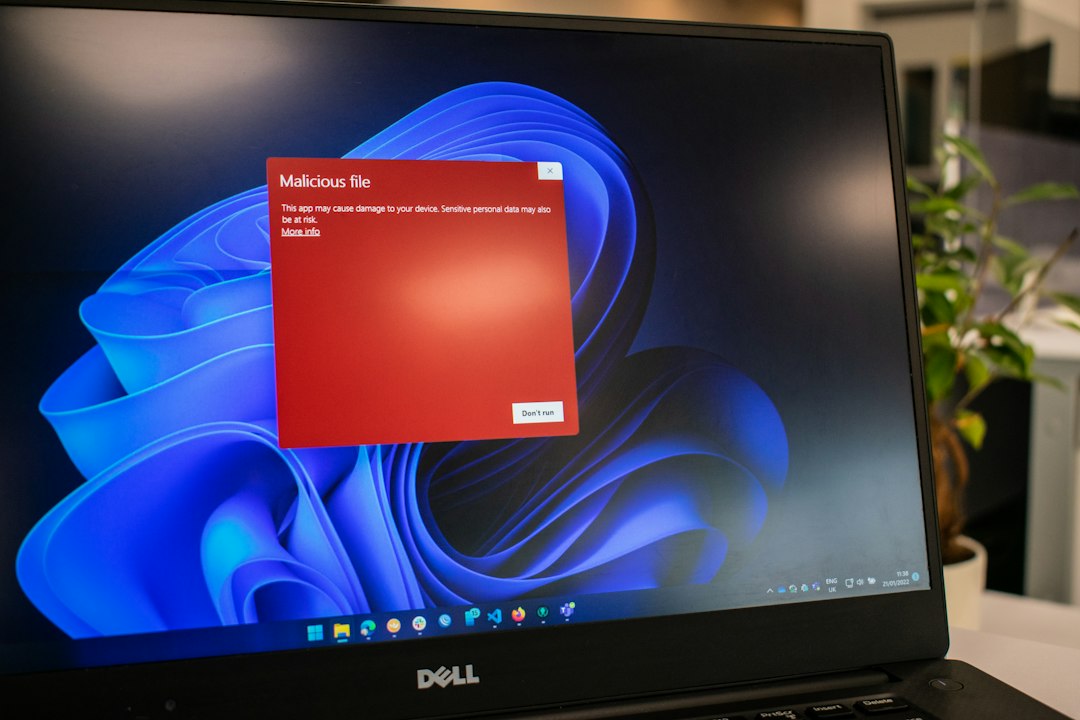
- Fake game testing or "bug report" files: Someone invites you to test a new game and sends a file. Files like this can contain malware that steals saved logins.
- Trade and giveaway traps: Offers for free skins, in-game items or "double your items" deals often end with you losing something, not gaining it.
- QR code login tricks: A scammer asks you to scan a QR code "to verify yourself". If that code is a login code, scanning it can give them access to your account.
Red flags to watch for
- Urgency: "Claim in 10 minutes!" Pressure is meant to stop you thinking.
- Too good to be true: Free premium features from a stranger are almost never real.
- Odd links: Look for spelling mistakes or strange endings in the web address. If you can't tell where a link goes, don't open it.
- Requests to log in again: If a page appears after you click a chat link and asks for your login, stop and close it.
- Moving the chat: Scammers often push you into private messages or to another app where fewer people can see what is happening.
How to protect your account
- Turn on two-factor authentication. Even if someone gets your password, they still need your second step.
- Use a strong, unique password. Never reuse your Discord password on another site.
- Tighten privacy settings. Limit who can send you friend requests and direct messages, especially from people in large servers you don't know.
- Don't run files from strangers. If a friend sends one unexpectedly, check with them on another app first.
- Never share codes or passwords. No genuine staff member needs them.
- Verify through a second channel. If a friend seems to send something odd, text them or ask in person before clicking.
What to do if you clicked
Don't panic. Acting quickly helps, and many people have been caught by these tricks.
- Change your password straight away, ideally from a device you trust, and do the same for any other account that used the same password.
- Log out of other sessions if the app gives you that option, and check that two-factor authentication is on.
- Run a security scan on your device if you opened a file.
- Warn your friends and servers so they don't click the same link from your account.
- Report the message and the account to Discord and to the server moderators.
- Tell a trusted adult if money, personal details or threats are involved. Asking for help is a smart move, not an embarrassing one.
Learning more
For the most accurate and current guidance, use official sources. Discord has a Safety Center on its own website with advice on privacy, reporting and account security. To keep learning, look for short explainer videos on the official channels of trusted organisations, and check any downloadable guide or PDF comes from a recognised cybersecurity or child-safety group before you trust it. We only recommend resources you can verify yourself, so always check the web address first.
The quick rule to remember
If a message makes you feel rushed, excited or scared, pause. Check who sent it, where the link goes and whether the offer makes sense. A few seconds of doubt can protect your account, your items and your friends.