
QR Code Scams: How to Scan Smart and Avoid Fake Links
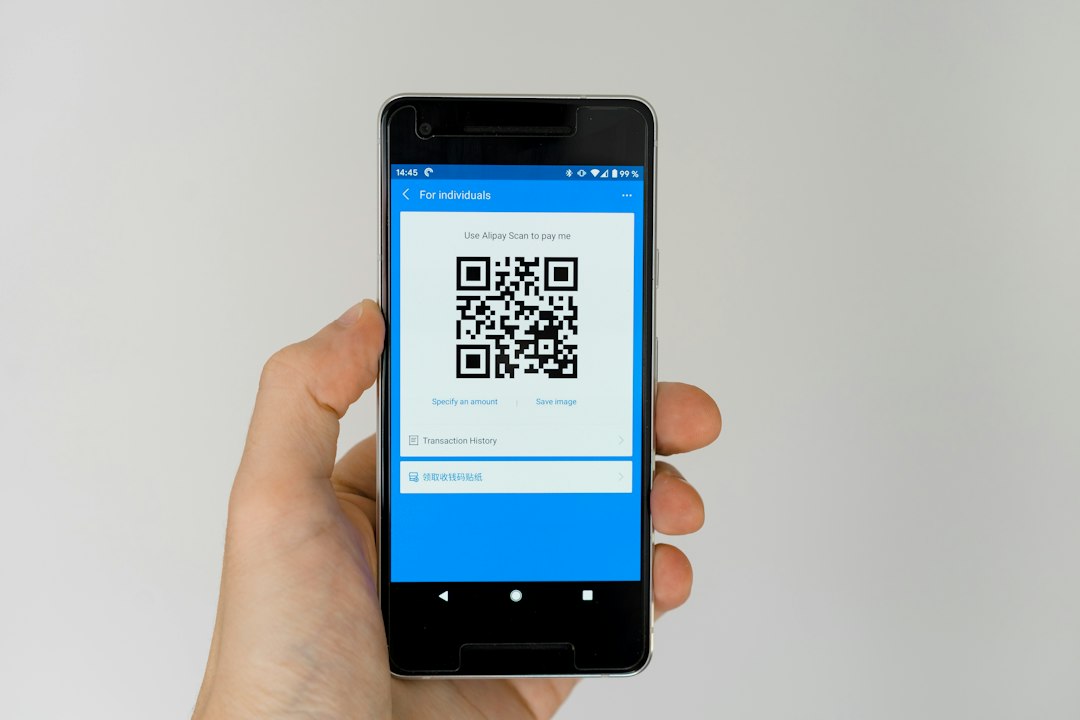
QR codes are everywhere: cafés, bus stops, concert posters, game promotions and school notices. You point your phone, and a page opens. That speed is exactly why scammers like them. A QR code is just a picture of a web address, and you cannot read the address with your eyes. A harmless-looking square can lead to a fake login page, a scam shop or a download you never wanted.
How QR code scams work
Scammers do not need to hack anything. They simply place a malicious code where people expect a real one, or send one to you directly. Common tricks include:
- Sticker overlays: a fake code stuck on top of a real one on a poster, parking sign or table menu.
- Fake giveaways: a message or post says "Scan to claim your free skins, gift card or concert tickets."
- Fake login pages: the code opens a page that looks like Instagram, Snapchat, Discord or a game store and asks you to sign in. Anything you type goes straight to the scammer.
- Urgent warnings: a code in an email or image says "Your account will be closed. Scan to verify."
- Payment traps: a code that asks you to pay or send money for something that should be free.
Check before you scan
Take a few seconds to look at where the code is and who put it there.
- Look at the surface. If the code is a sticker that looks pasted over something else, or it peels at the edges, do not scan it.
- Ask who gains. Why does this code exist? A menu or event page makes sense. A random code promising free rewards does not.
- Be suspicious of pressure. Words like "last chance", "limited" and "verify now" are designed to make you act before you think.
- Check the source. If a friend sends a code out of the blue, message them separately to ask if they really sent it. Their account may have been taken over.
Check after you scan
Most phone cameras show a preview of the web address before opening it. Read it carefully before you tap.
- Read the whole address. Fake sites often use small spelling changes, extra words or odd endings, such as a brand name with an added word or a swapped letter.
- Be wary of shortened links. If the address is a short link, you cannot tell where it leads. Do not continue if you are unsure.
- Never log in through a scanned page. If you need to access an account, open the official app or type the website address yourself.
- Do not install anything. If a code pushes you to download an app or file from outside your phone's official app store, close the page.
- Never enter payment details or personal information on a page you reached from an unknown code.
Simple habits that protect you
- Use your phone's built-in camera or a well-known scanner rather than a random scanner app, which may be full of ads or unsafe.
- Turn on two-factor authentication for your important accounts so a stolen password alone is not enough.
- Use a password manager. It usually will not auto-fill a password on a fake site, which can be a useful warning sign.
- Keep your phone and apps updated so known security problems are fixed.
What to do if you scanned a bad code
Do not panic. Scanning alone is often harmless, and the risk grows when you enter information or install something. Follow these steps:
- Close the page and do not tap anything else on it.
- If you typed a password, change it right away on the real website or app, and change it anywhere else you used the same one.
- If you installed something, delete it and ask a trusted adult to help you check your phone for unknown apps.
- If you entered payment details, tell a parent or guardian immediately so they can contact the bank or card provider.
- Report it. Tell the platform where you saw the code, your school or a trusted adult. If a code is on a public sign, tell the owner of the business or place.
The bottom line
A QR code is a shortcut, not proof that something is safe. Treat it like any unknown link: check where it came from, preview the address, and never hand over passwords or money because a square told you to. If something feels rushed or too good to be true, stop, step away and ask someone you trust. Sharing what you learn with friends helps everyone avoid the same trap.